9 min read
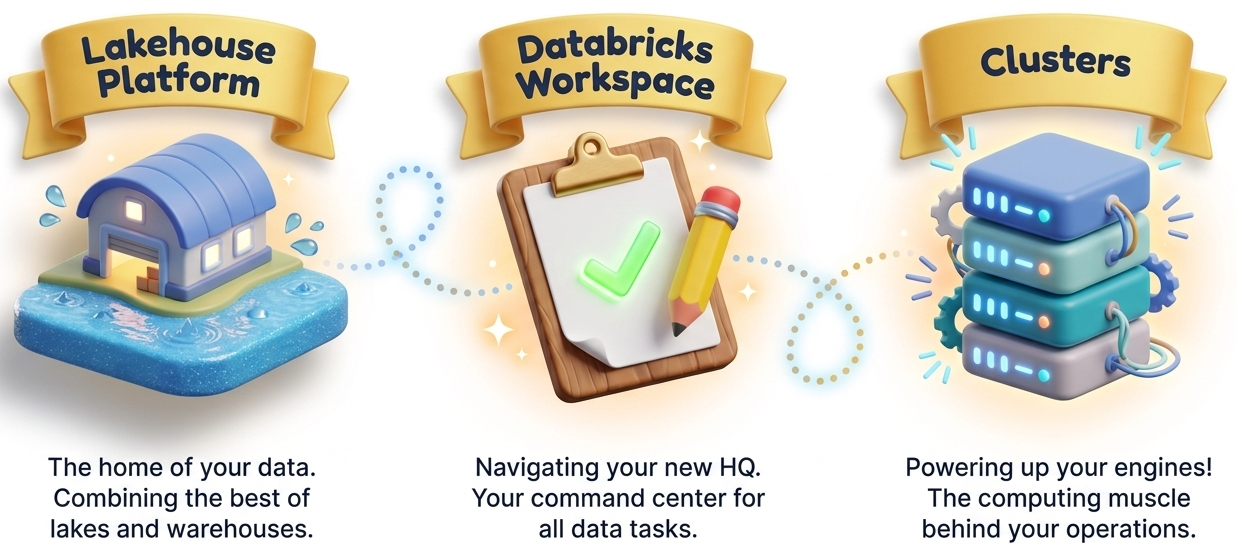

In Level 1, we cover all the fundamental topics step by step. These miles build a strong foundation,
ensuring you clearly understand the basics before moving to advanced concepts.
Mile 1 : What is Databricks Lakehouse
Learn how Databricks combines data lakes and warehouses into one powerful Lakehouse platform.
Mile 2 : Why Databricks is Used
Understand how Databricks supports data engineering, analytics, and machine learning in one environment.
Mile 3 : Navigating the Databricks Workspace
Get familiar with the Databricks interface, menus, and workspace organization.
Mile 4 : Creating and Managing Clusters
Learn how clusters power computations in Databricks and how to start or stop them.
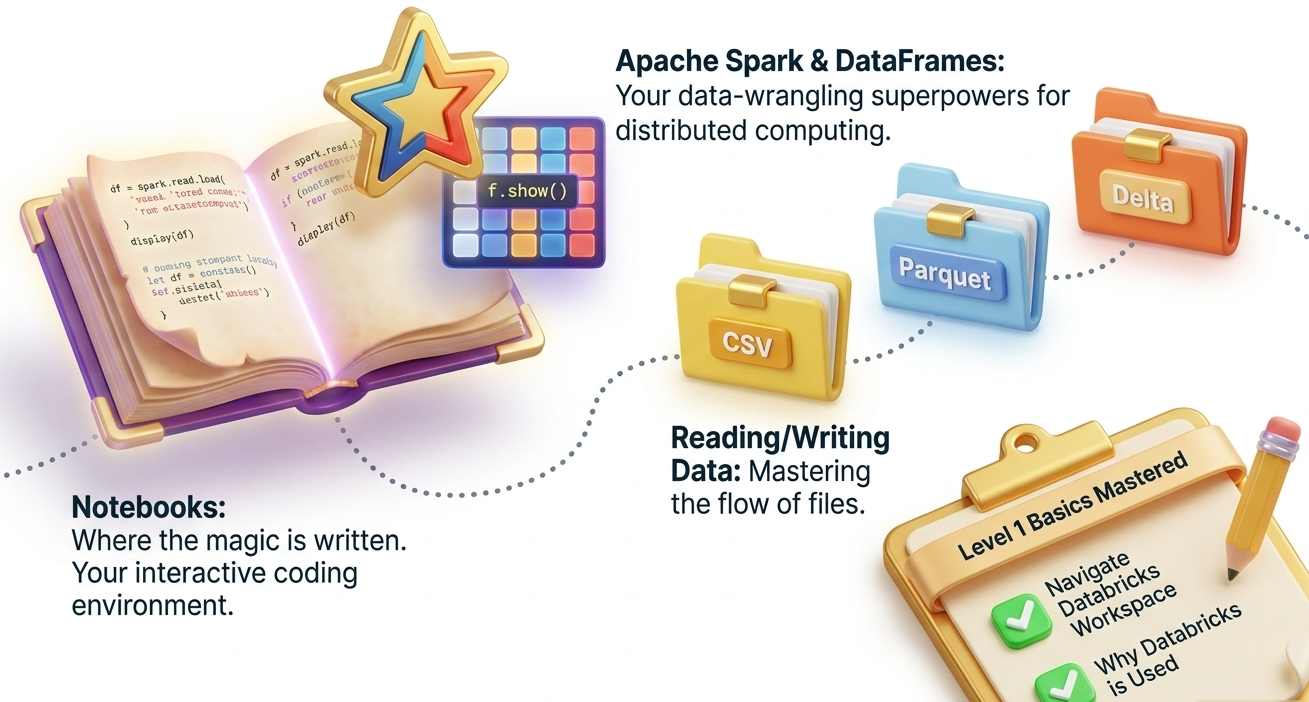
Mile 5 : Introduction to Notebooks
Discover how to create notebooks, write code, and visualize data within Databricks.
Mile 6 : What is Apache Spark
Explore the basics of Spark and how it processes large-scale data efficiently across multiple computers.
Mile 7 : Understanding Spark Architecture
Learn how the driver, executors, and cluster manager work together to process data.
Mile 8 : Spark DataFrames Explained
Understand DataFrames as the main way to work with structured data in Spark.
Mile 9 : Reading and Writing Data
Learn how to load and save data in formats like CSV, Parquet, and Delta.
Mile 10 : Basic Transformations
Practice selecting, filtering, and sorting data within a Spark DataFrame.
Mile 11 : Aggregations and Grouping
Understand how to group and summarize large data sets using Spark operations.
Mile 12 : Joins in Spark
Learn how to combine multiple DataFrames using different types of joins.
Mile 13 : Caching Data for Speed
Discover how caching helps improve performance for repeated data operations.
Mile 14 : Introduction to Spark SQL
Use SQL queries within Databricks to explore and manipulate data easily.
Mile 15 : Monitoring Spark Jobs
View and understand Spark job performance using the Spark UI.
Mile 16 : Creating DataFrames from Files
Learn how to create Spark DataFrames from CSV or JSON files.
Mile 17 : Understanding Schema and Data Types
See how Spark automatically detects column types and how to define them manually.
Mile 18 : Handling Missing Data
Learn techniques to identify and clean missing or invalid data values.
Mile 19 : Using Temporary Views
Understand how to create temporary views to run SQL queries on DataFrames.
Mile 20 : Writing Data to Tables
Save processed data into managed or external tables for reuse.
Mile 21 : Querying Tables with SQL
Use Databricks SQL to analyze and summarize stored data efficiently.
Mile 22 : Partitioning Data
Learn why partitioning improves performance when working with large datasets.
Mile 23 : Working with Parquet Files
Understand how Parquet compresses and optimizes data for analytics.
Mile 24 : Displaying and Visualizing Data
Create quick charts and visualizations directly within Databricks notebooks.
Mile 25 : Data Exploration Best Practices
Learn how to inspect, filter, and validate your data before analysis.
Mile 26 : Introduction to Delta Lake
Discover how Delta Lake brings ACID reliability and performance to big data.
Mile 27 : Writing and Reading Delta Tables
Learn how to create and use Delta tables in Databricks.
Mile 28 : Understanding ACID Transactions
See how Delta Lake ensures consistent and safe data updates.
Mile 29 : Schema Enforcement
Understand why maintaining consistent schemas prevents data errors.
Mile 30 : Schema Evolution
Learn how Delta Lake automatically adapts to changes in data structure.
Mile 31 : Time Travel in Delta Lake
Explore how to view or restore previous versions of your data.
Mile 32 : Optimizing Delta Tables
Improve performance using OPTIMIZE and ZORDER commands.
Mile 33 : Data Compaction and Cleanup
Use VACUUM to manage and clean up old data files.
Mile 34 : Managing Delta Table History
Track changes to data and audit updates using Delta history commands.
Mile 35 : When to Use Delta Lake
Learn real-world use cases for Delta in ETL and analytics pipelines.
Mile 36 : Introduction to Databricks Jobs
Automate your notebooks or workflows using Databricks Jobs.
Mile 37 : Creating Multi-Task Jobs
Learn how to link multiple tasks together in one automated pipeline.
Mile 38 : Understanding Job Clusters
Differentiate between all-purpose clusters and job clusters for cost efficiency.
Mile 39 : Scheduling Jobs
Set up job schedules to run data pipelines automatically.
Mile 40 : Notifications and Alerts
Configure email or system alerts for job success or failure events.
Mile 41 : Using Databricks Utilities (dbutils)
Use dbutils for file management, widgets, and secrets within your notebooks.
Mile 42 : Managing Secrets Securely
Store passwords or keys safely using Databricks secret scopes.
Mile 43 : Exporting and Importing Notebooks
Learn how to share or reuse notebooks across different environments.
Mile 44 : Integration with Git Repositories
Version control your code using Databricks Repos connected to GitHub or Azure DevOps.
Mile 45 : Performance Tips for Beginners
Understand basic ways to improve query and job performance.
Mile 46 : Building a Simple ETL Pipeline
Practice creating a small data pipeline from raw to cleaned data.
Mile 47 : Creating a Delta Table from CSV
Convert a CSV dataset into a Delta table with schema enforcement.
Mile 48 : Visualizing Data Results
Build simple charts to represent your transformed data.
Mile 49 : Troubleshooting Errors
Learn how to read logs and fix common Databricks errors.
Mile 50 : Final Review of Level 1
Summarize everything learned and prepare to advance to Level 2.


💬 Comments & Discussion
No comments yet
Be the first to share your thoughts!