Current Level 0: Azure Fundamentals Level - 0
0 / 5 Miles
0 / 5 Assignments
0 / 5 Exams

Mile 3: Types of Cloud Computing Services

🎬 YouTube Videos

No YouTube videos available

Check back later for new YouTube content.

📹 Library Videos

Types of Cloud Computing Services

📚 Content

SECTION 1 INFRASTRUCTURE AS A SERVICE (IAAS)

3 min read

1. What is IaaS?
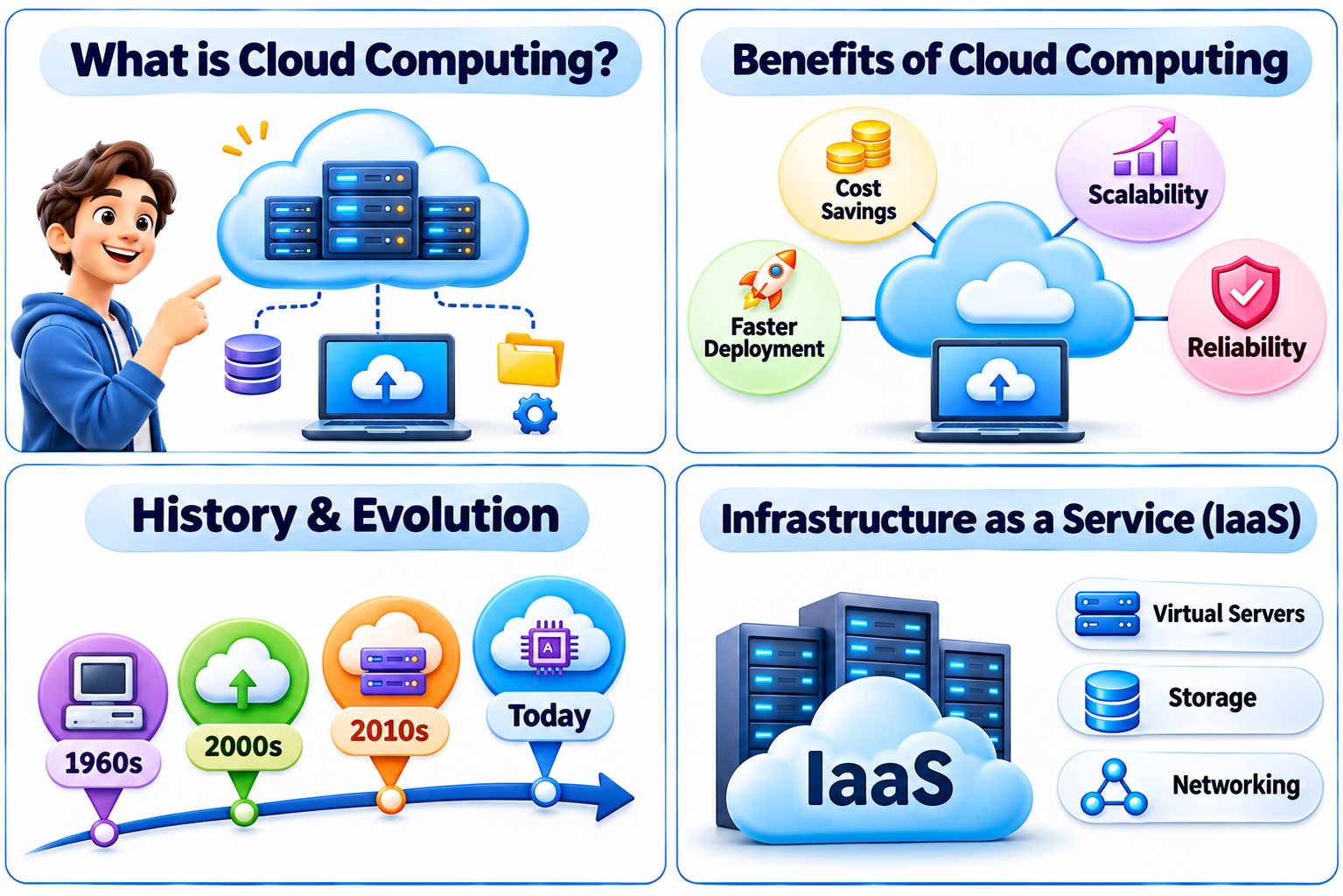
Infrastructure as a Service (IaaS) is a cloud computing model where businesses and individuals can rent IT infrastructure components—such as servers, storage, networking, and virtualization—from a cloud provider on a pay-as-you-go basis. Instead of investing in expensive hardware, companies can use cloud-based resources that scale as needed.

2. Key Features of IaaS

  • Virtual Machines (VMs): Pre-configured or custom virtual machines that run operating systems and applications in the cloud.
  • Storage: Secure, scalable storage solutions like object storage, file storage, and block storage.
  • Networking: Virtual networks, load balancers, and firewalls that help manage data flow efficiently.
  • Scalability & Flexibility: Easily scale resources up or down based on demand.
  • Security: Built-in encryption, firewalls, and identity access management for data protection.
  • Cost Efficiency: Pay only for the resources you use, reducing upfront infrastructure costs.

3. How IaaS Works

  • Choose a  Cloud Provider:  Companies select a provider like Microsoft Azure, AWS, or Google Cloud.
  • Provision Resources:  Users can configure and deploy virtual machines, storage, and networking as needed.
  • Manage & Scale:  Businesses can adjust infrastructure resources based on workload changes.
  • Secure & Monitor:  Cloud providers offer built-in security tools to protect data and optimize performance.

Real-life use case:
A company wants to run a custom application that requires full control over the OS, middleware, and security settings. They deploy it on Azure Virtual Machines.
Sign up or sign in to rate this section
SECTION 2 PLATFORM AS A SERVICE (PAAS)

3 min read

1. What is PaaS?
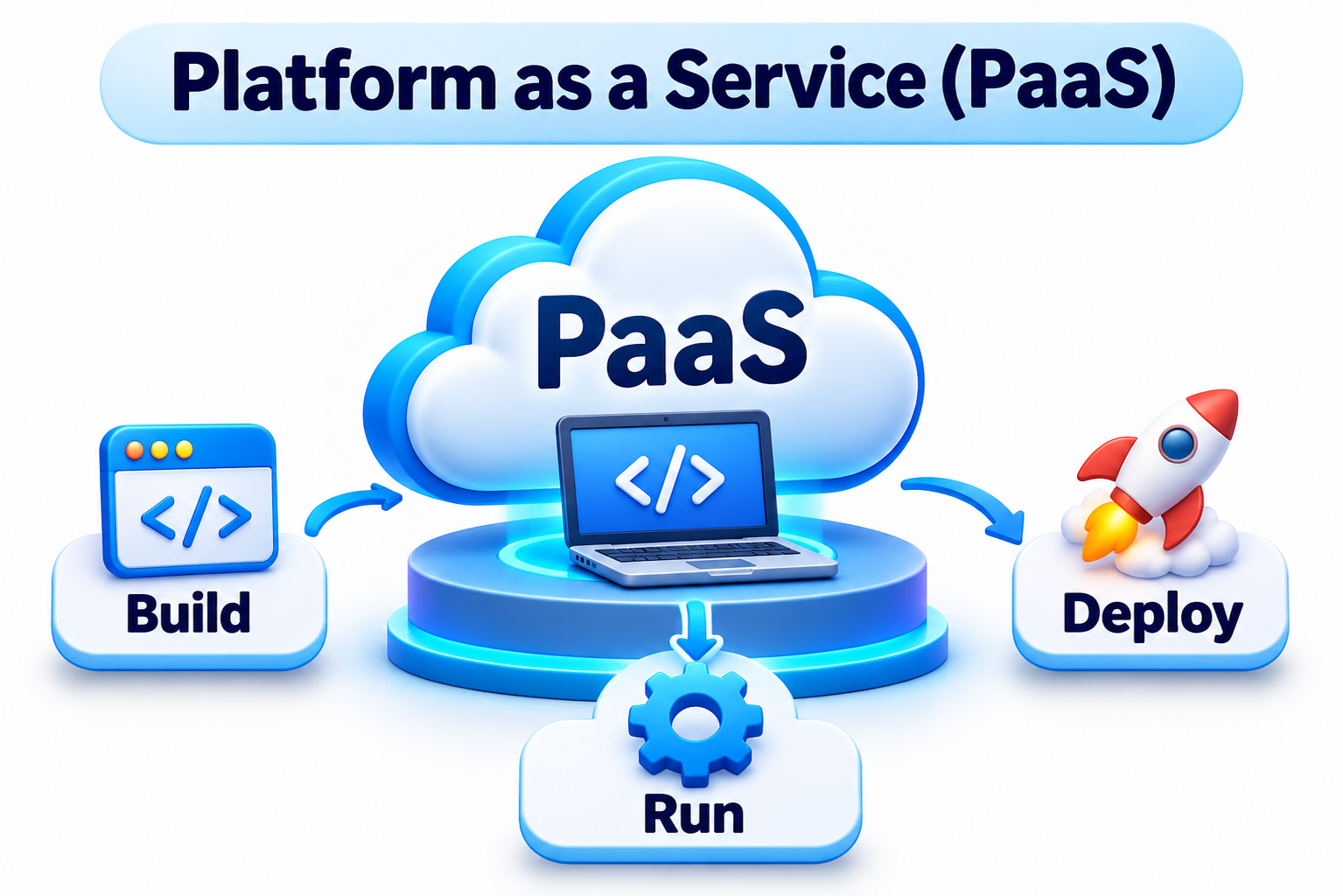
Platform as a Service (PaaS) is a cloud computing model that provides developers with a complete development and deployment environment in the cloud. It includes everything needed to build, test, deploy, and manage applications—such as development tools, databases, and middleware—without worrying about the underlying infrastructure.

PaaS allows developers to focus on writing code while the cloud provider manages servers, storage, networking, and security.

2. Key Features of PaaS:

  • Application Development Tools: Built-in programming frameworks, APIs, and software development kits (SDKs).
  • Database Management: Cloud-based relational and non-relational databases for secure data storage.
  • Middleware: Tools that help applications communicate with each other efficiently.
  • Scalability & Flexibility: Automatically scales applications based on demand.
  • Security & Compliance: Cloud providers handle security patches, authentication, and compliance regulations.
  • Integration Services: Connects with other cloud services, such as AI, machine learning, and analytics.

3. How PaaS Works?

  • Developers access the cloud platform through a web-based interface.
  • They write and test code using built-in tools and frameworks.
  • The application is deployed directly on the cloud without managing infrastructure.
  • The cloud provider handles updates, security, and scalability while the developer focuses on innovation.

Real-life use case:
A developer builds a web application and deploys it using Azure App Service, without worrying about managing servers or OS updates.

Sign up or sign in to rate this section
SECTION 3 SOFTWARE AS A SERVICE (SAAS)

3 min read

What is SaaS?
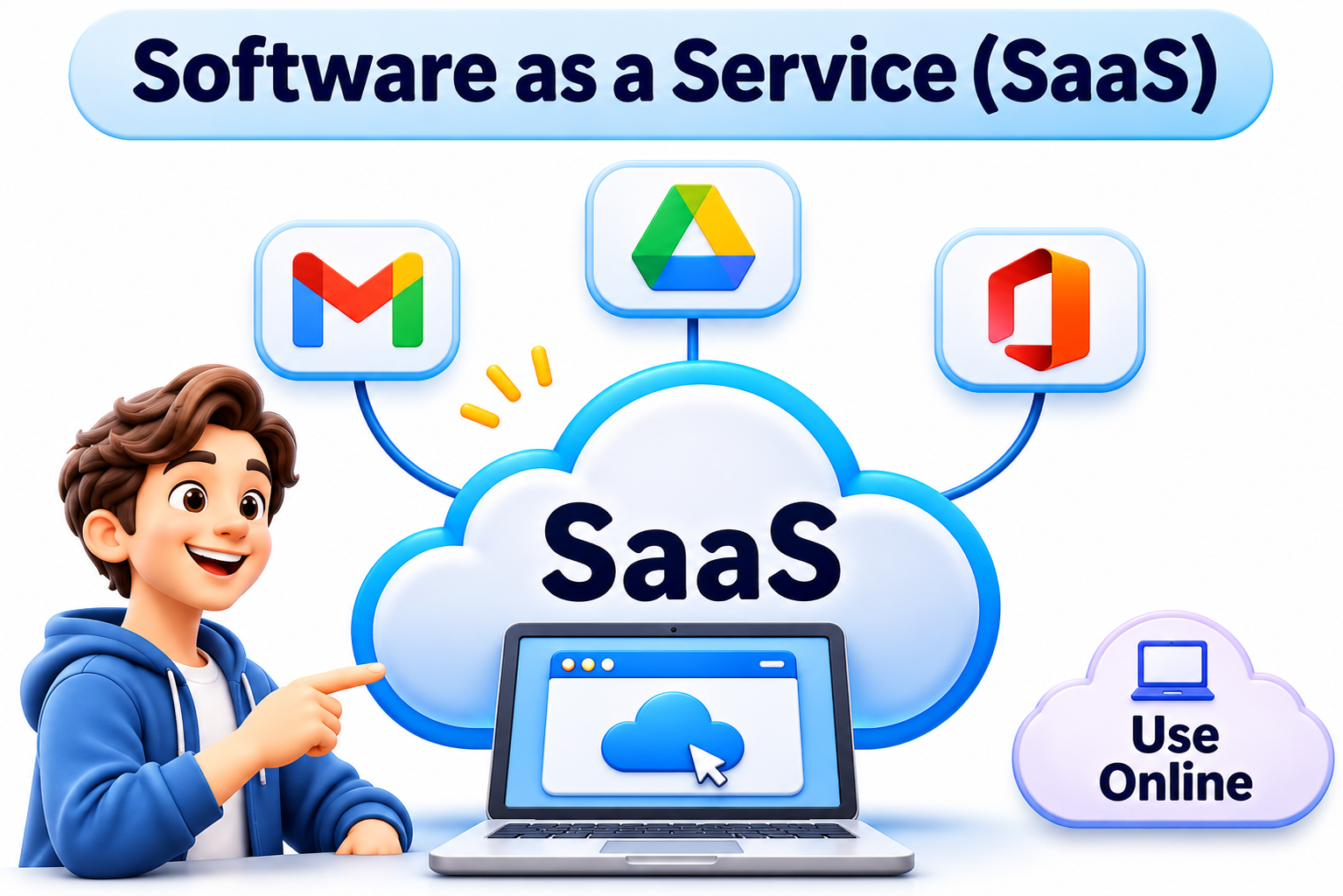
Software as a Service (SaaS) is a cloud computing model where applications are delivered over the internet on a subscription basis. Instead of purchasing and installing software on individual devices, users can access applications through a web browser from anywhere.

With SaaS, the cloud provider manages everything, including infrastructure, security, maintenance, and software updates—allowing users to focus on their work without worrying about technical aspects.

Key Features of SaaS  

  • Web-Based Access: No installation required—users log in via a web browser.
  • Subscription Model: Pay for software on a monthly or yearly basis instead of a one-time purchase.
  •  Automatic Updates: Cloud providers handle software updates and security patches.
  •  Multi-Tenant Architecture: One application serves multiple users while keeping data secure.
  •  Accessibility & Collaboration: Users can access applications from any device, enabling real-time collaboration.
  •  Scalability: SaaS applications scale easily to accommodate growing users and businesses.

How SaaS Works

  • Users sign up for a SaaS service (e.g., Microsoft 365, Google Workspace).
  • They access the application via the internet without downloading or installing anything.
  • The cloud provider hosts, maintains, and secures the software on its servers.
  • Users can store data in the cloud and access it anytime, from any device.

Real-life use case:
An employee uses Gmail to send emails and Google Drive to store files — no installation, no server management needed.

Quick memory hack:
IaaS = Azure VM
PaaS = Azure App Service
SaaS = Microsoft 365 / Gmail

Sign up or sign in to rate this section
SECTION 4 COMPARISON OF IAAS, PAAS AND SAAS

1 min read

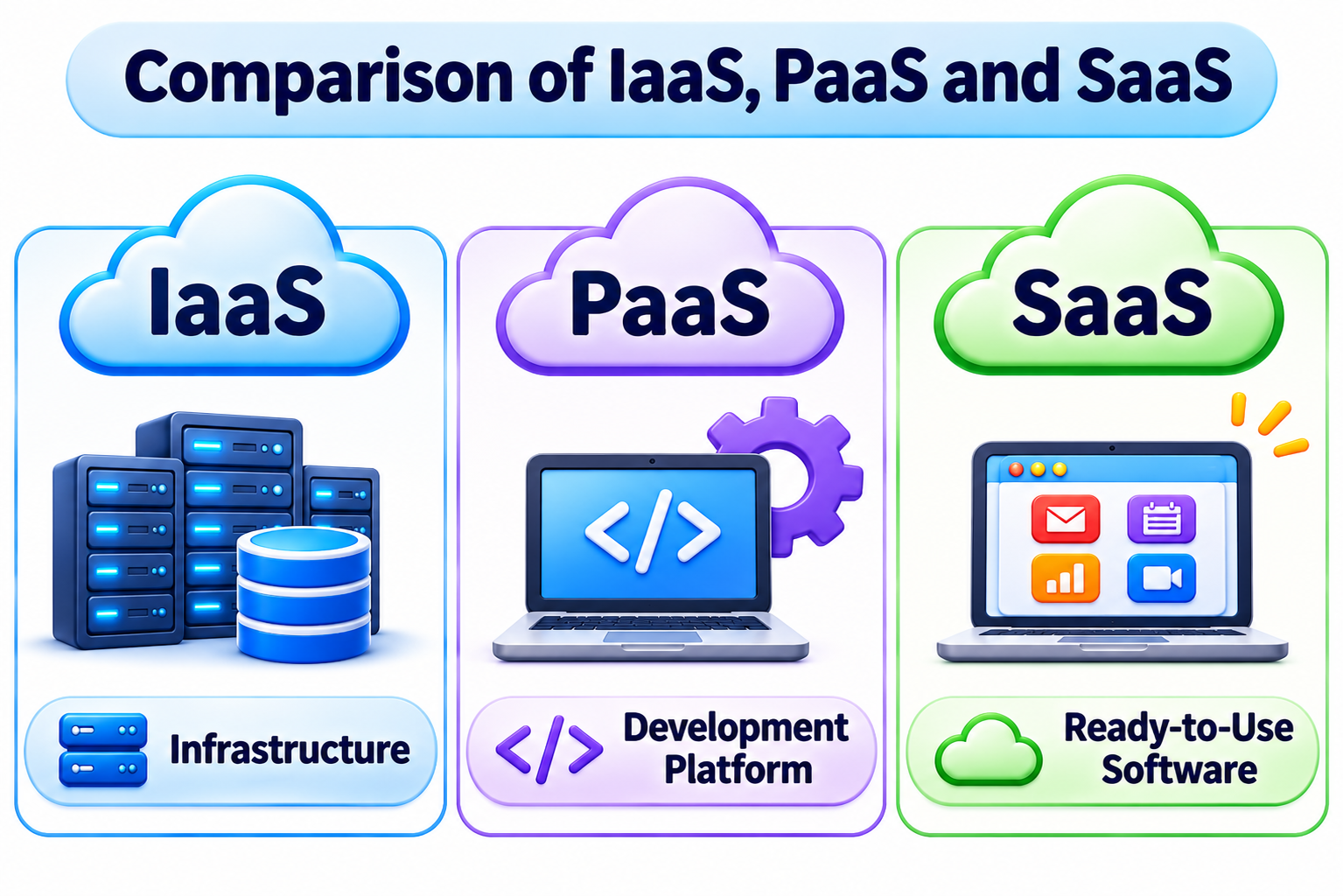
Feature IaaS PaaS SaaS
Definition Provides infrastructure (servers, storage, networking) Provides platform to build & run applications Provides software apps over internet
Control Level Highest (you manage OS, runtime, apps) Medium (you manage apps only) Lowest (just use the app)
User Responsibility Install OS, middleware, runtime, apps Develop and manage applications Use the software
Scalability High (manual/auto scaling) High (auto scaling built-in) High (depends on provider)
Best For IT Admins, System Architects Developers, Programmers End-users, Businesses
Examples Azure VMs, AWS EC2, GCP Compute Azure App Service, AWS Beanstalk

Office 365, Gmail, Salesforce

Sign up or sign in to rate this section

📝 Assignment

Available Assignments
Assignment Pass Mark Duration Actions
Types of Cloud Services
70% 00:30:00

📊 Exam

Available Exams
Exam Pass Mark Duration Questions Actions
Cloud Services Types
70% 00:30:00 5

💬 Comments & Discussion

Sign up free or sign in to post a comment
Sign up free or sign in
No comments yet

Be the first to share your thoughts!