1 min read
This is Mile 2 of SQL Level 0, where we’ll explore the fundamentals of SQL Basic Clauses.
1 min read
This is Mile 2 of SQL Level 0, where we’ll explore the fundamentals of SQL Basic Clauses.
1 min read
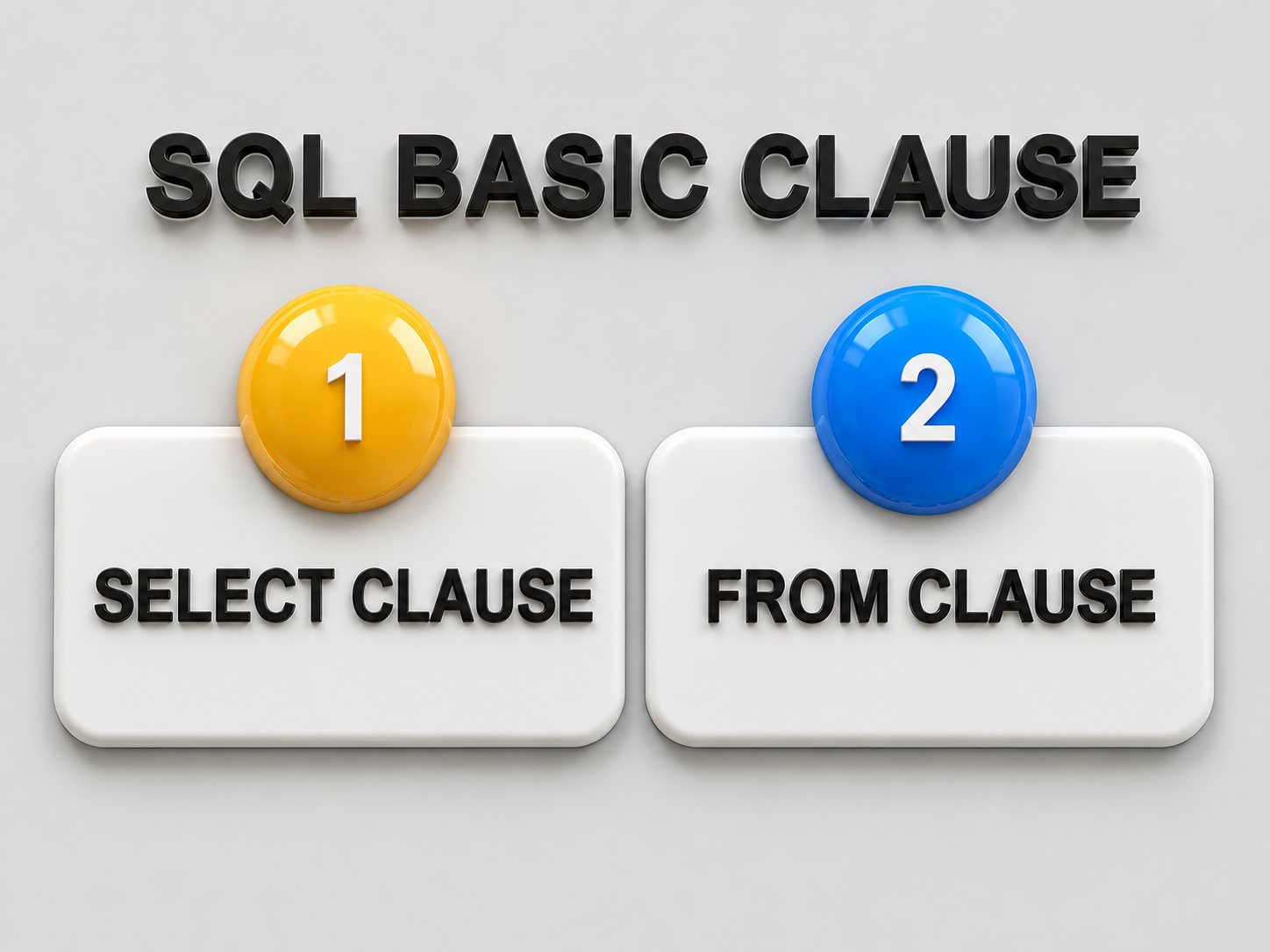
In this Mile, we are going to learn about the basic SELECT and FROM clauses in SQL.


1 min read

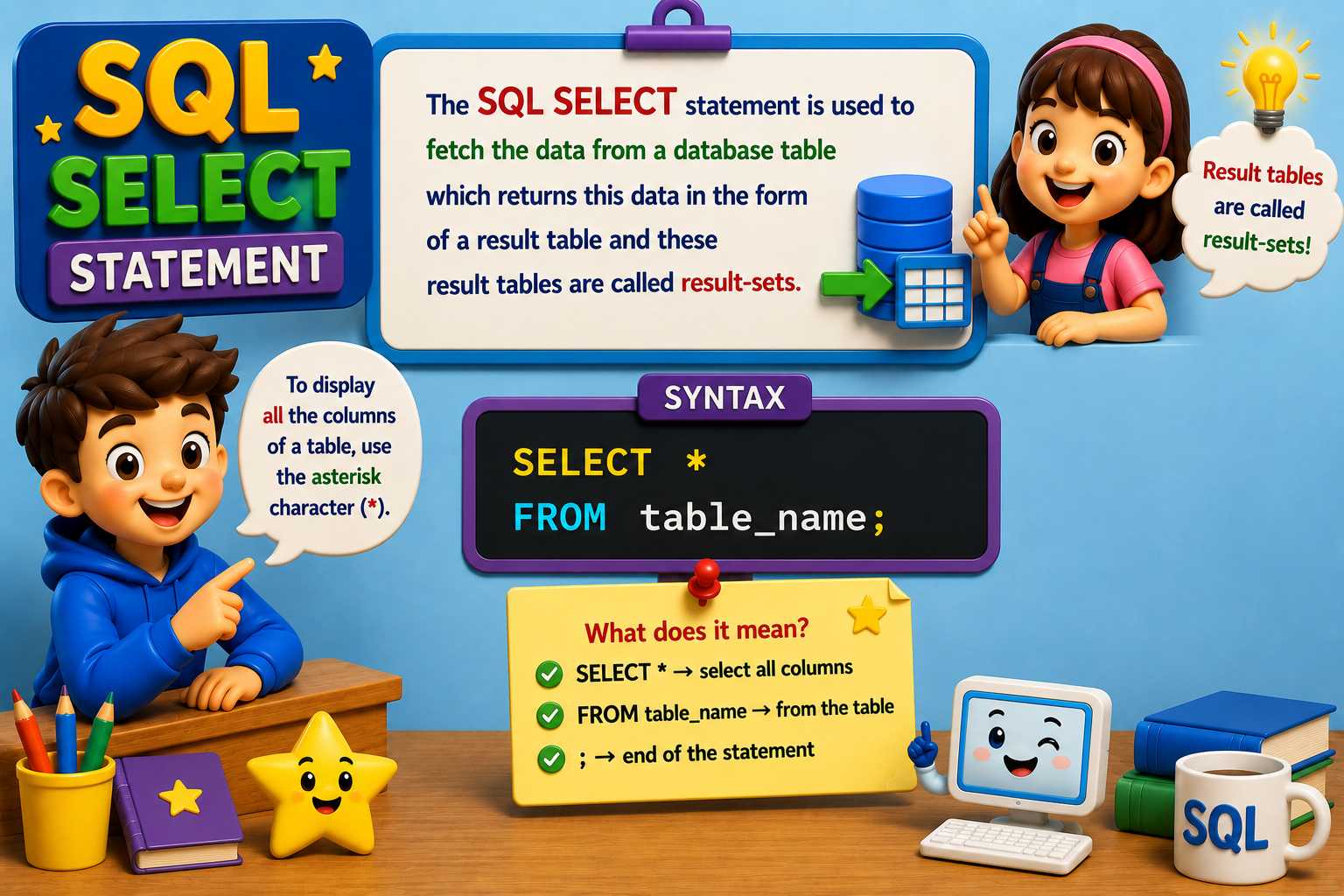
 If you want to fetch all the fields available in the column, then you can use the following syntax.
SELECT * from employees;
1 min read

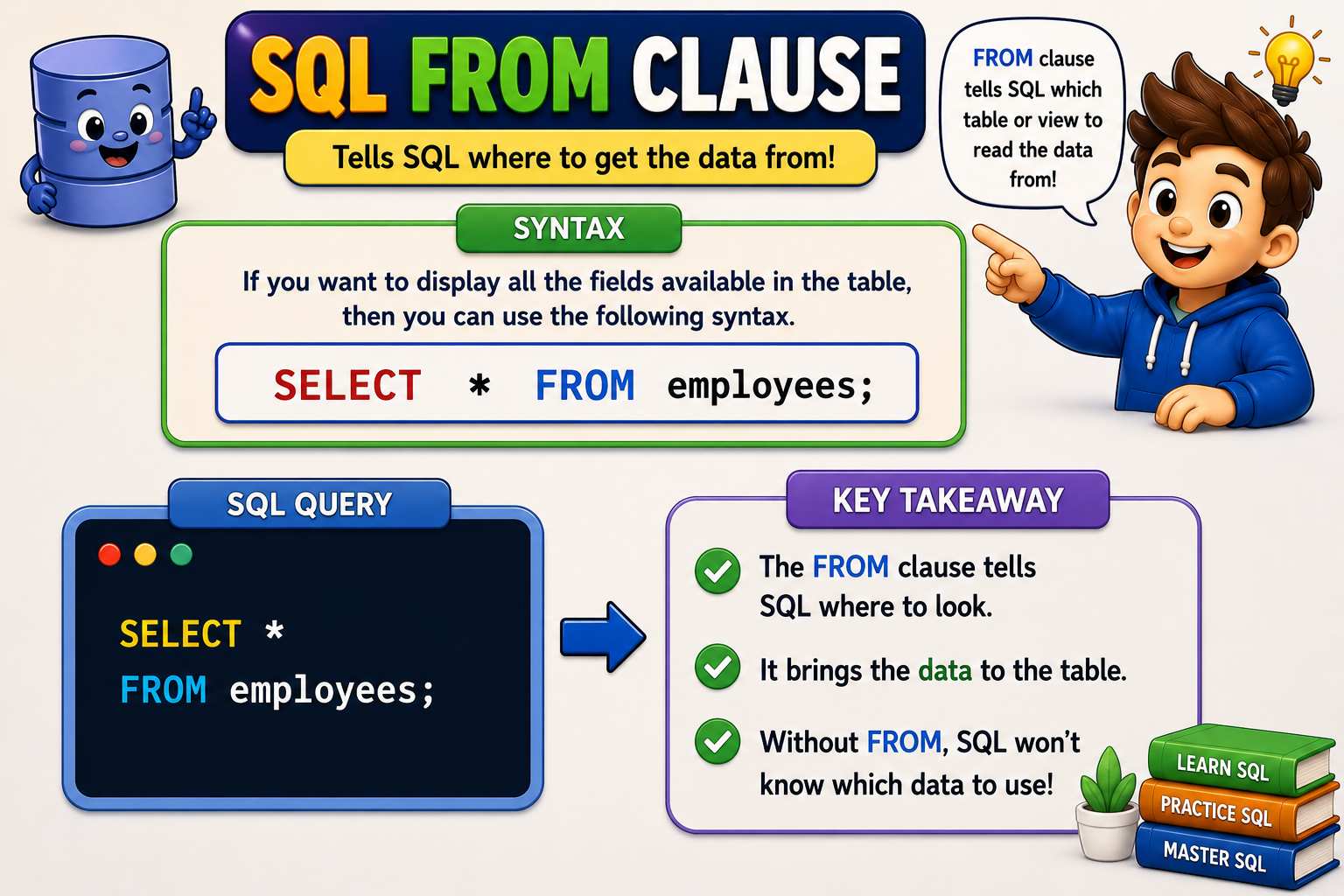
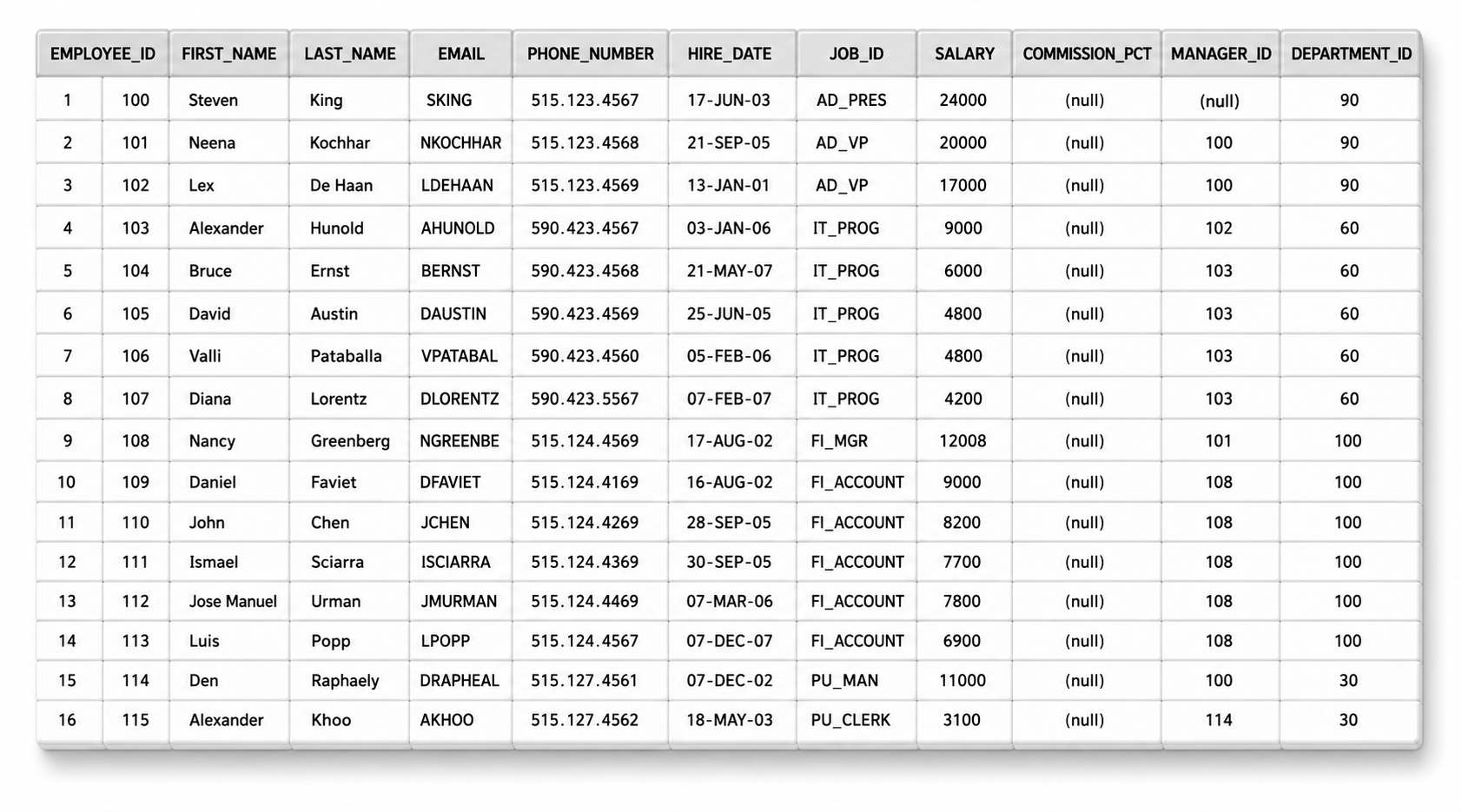
 If you want to display all the fields available in the table, then you can use the following syntax.
SELECT * FROM employees;
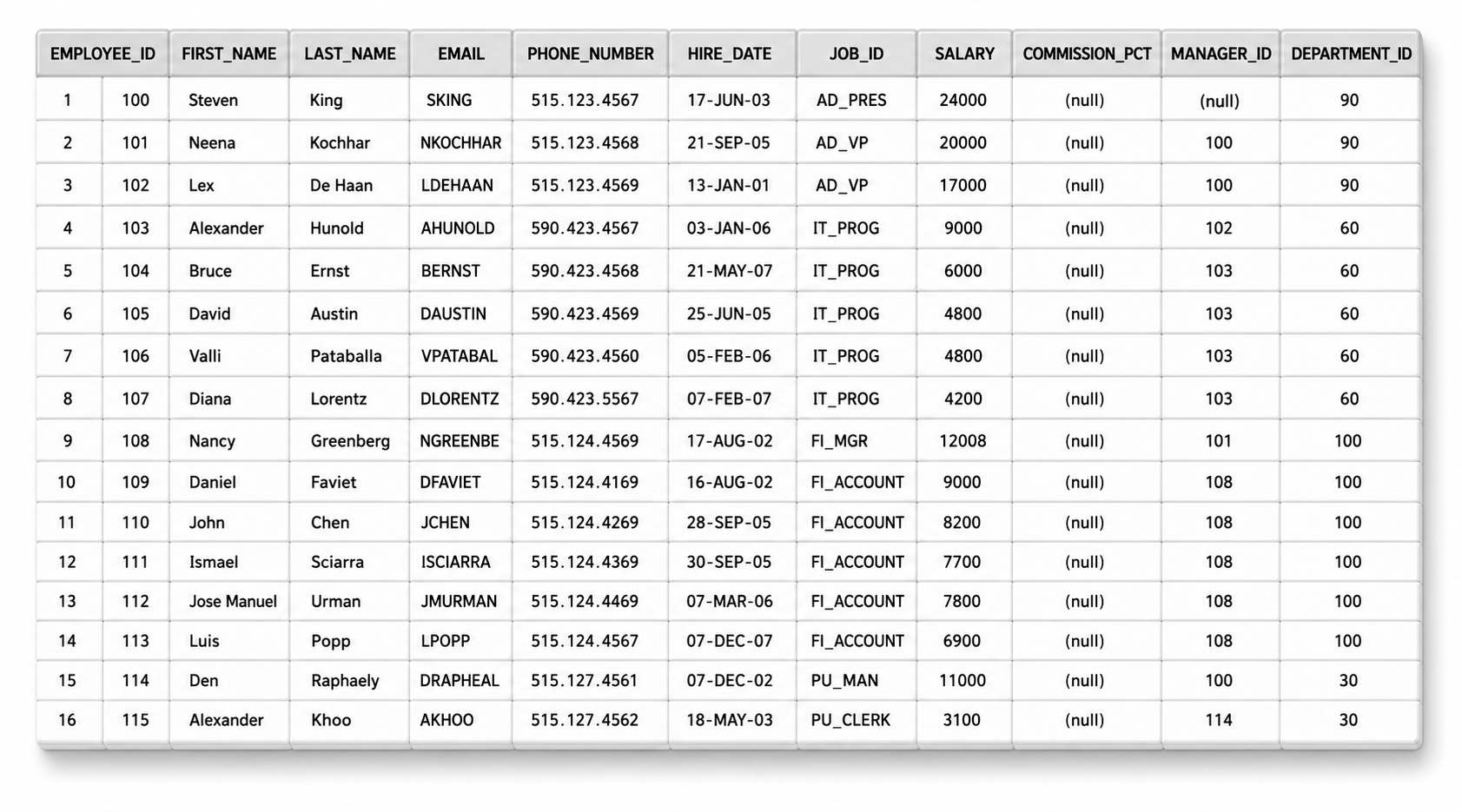
 Select specific columns, specify the column names.
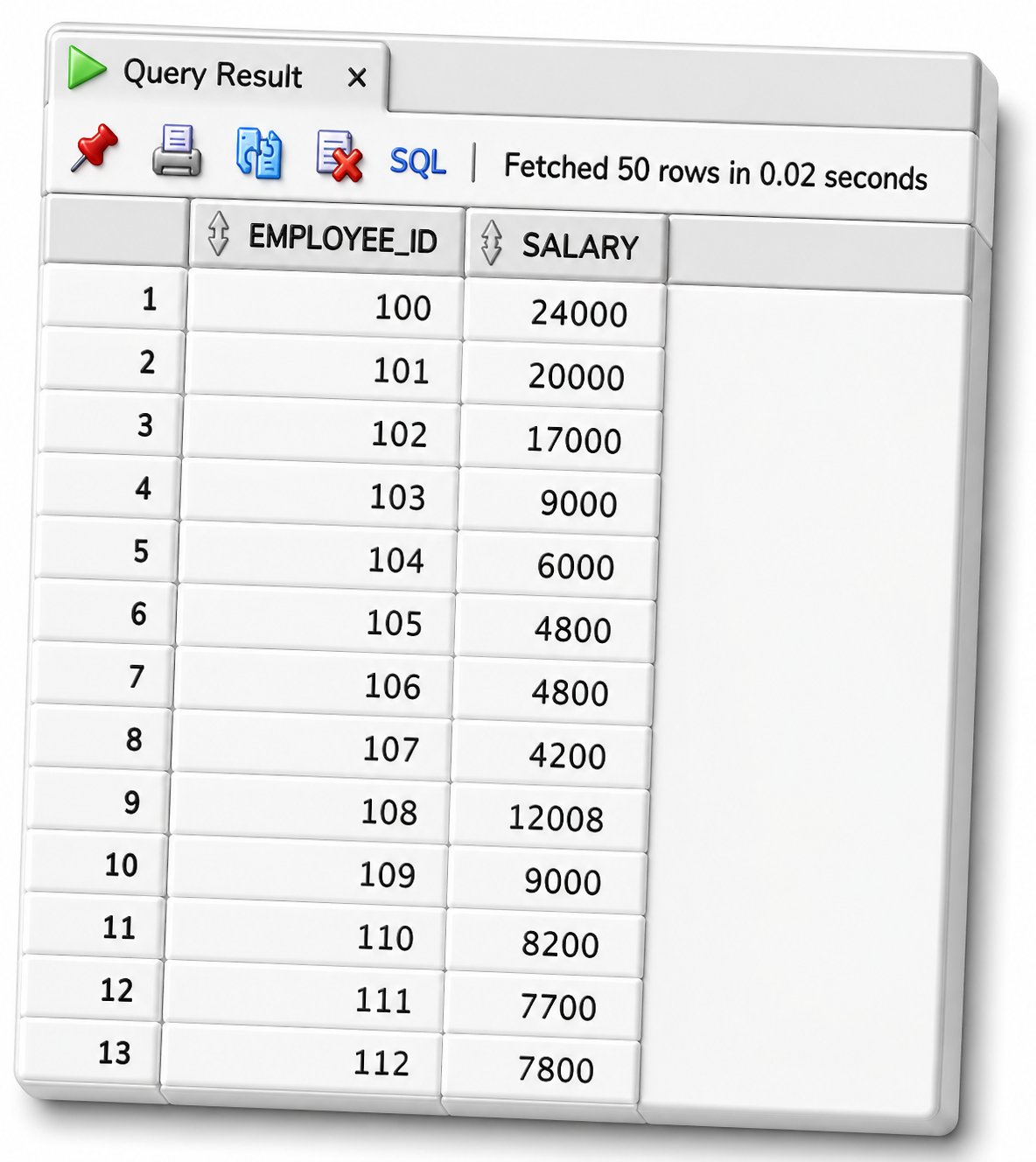
The following query displays all rows, but only two columns from the employees table:
SELECT employee_id, Salary FROM employees;
Suppose we try to execute the following SQL statement, where the table name employees has been incorrectly spelled as employee:
SELECT employee_id, first_name FROM employee;
In this case, the FROM clause is referring to a table that does not exist, which results in an immediate error.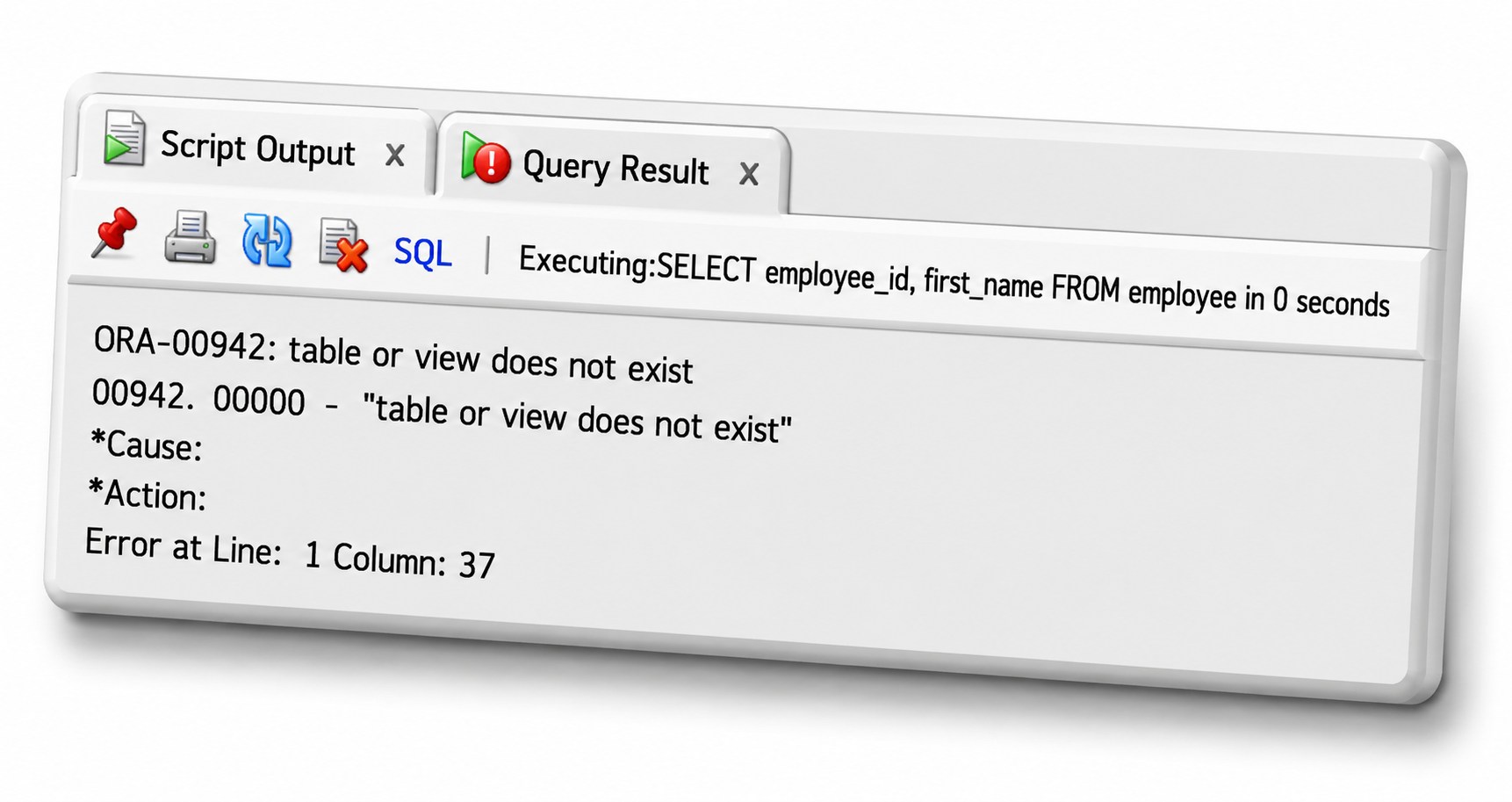
| Assignment | Pass Mark | Duration | Actions |
|---|---|---|---|
|
Basic Clause
|
70% | 01:00:00 |
| Exam | Pass Mark | Duration | Questions | Actions |
|---|---|---|---|---|
|
Basic SQL Clause
|
70% | 00:30:00 | 5 |
💬 Comments & Discussion
Sahil Raj
very well explained topics from basics, explained the difference between xls and tables and basic clauses of sql for starting of sql language.