19 min read
Why Use Google Colab?
Google Colab is very popular among students, data scientists, and developers.
Why? Because it makes working with Python, especially for data science and machine learning, much easier 
 Simple Idea
Colab helps you start quickly, collaborate easily, and work on powerful tasks without setup stress.
Why It Stands Out
A browser notebook built for fast learning and powerful experiments.
Google Colab is especially useful when you want to begin coding right away, use strong hardware for AI work, and share your notebook with others.
No setup  Free GPU / TPU
 Team friendly
1
Open Colab in your browser and start immediately.
2
Use powerful tools for Python notebooks and experiments.
3
Share and collaborate like a live document.
What Makes Colab So Useful?

No Installation or Setup Required
You do not need to install Python, Jupyter, or a long list of libraries before you begin.

Free GPU and TPU Access
Colab can give you access to powerful hardware for AI and deep learning work.

Easy Collaboration
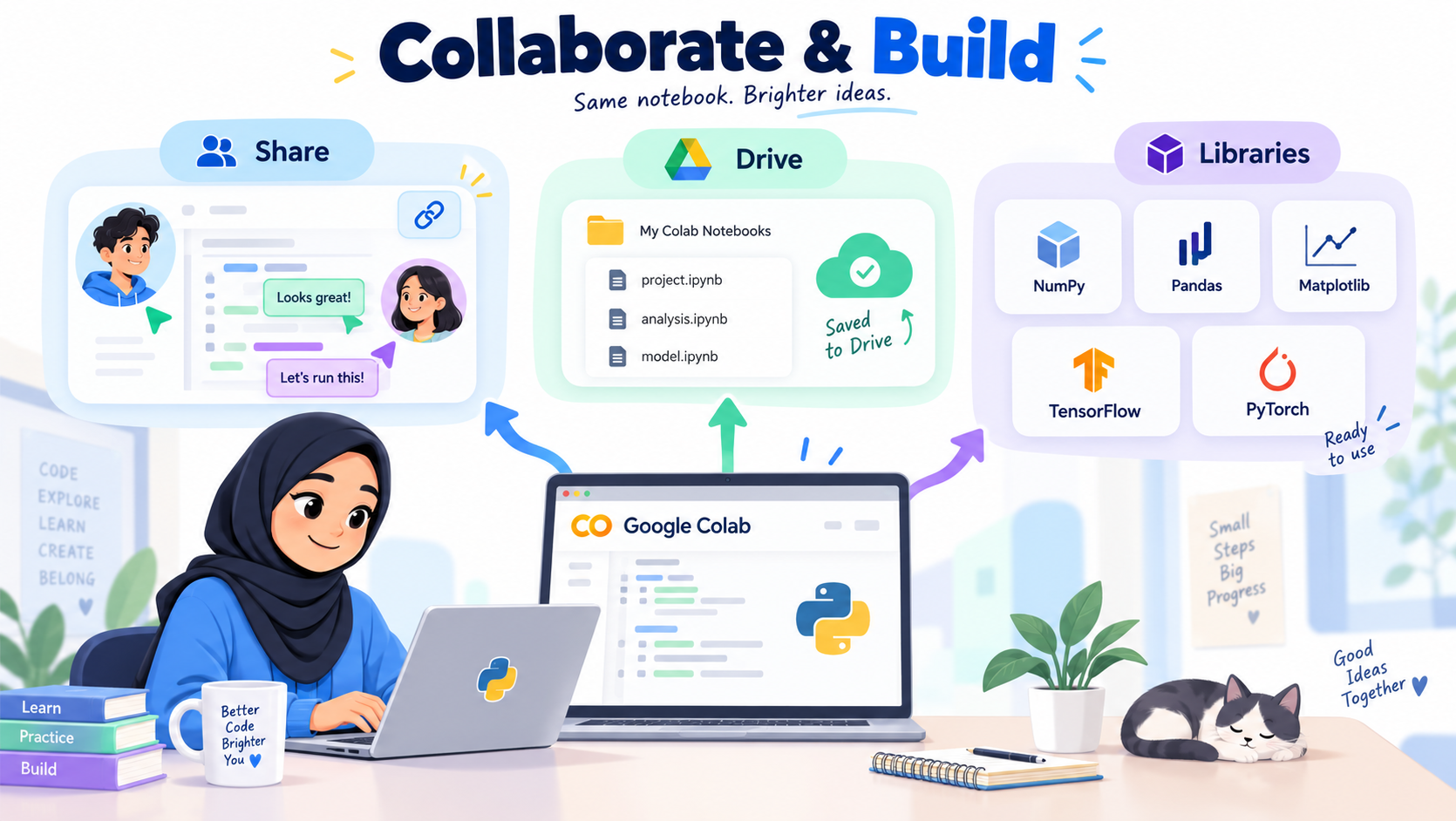
It works like Google Docs, so you can share notebooks and work together in real time.

Google Drive Integration
Your notebooks can be stored, saved, and managed through Google Drive easily.

Preinstalled Python Libraries
Many useful libraries are already installed, so you can begin immediately.
What You Can Do With It

Numerical calculations
Use NumPy for fast calculations and numerical work.

Charts and graphs
Use Matplotlib and Seaborn to visualize your data clearly.

Machine learning
Use TensorFlow and PyTorch to begin AI and machine learning experiments.
Final Thought
Colab removes setup friction, so students can focus on learning and building instead of configuring tools.
Smart Way to Remember
Google Colab is built for speed, collaboration, and easy access to powerful Python tools.
It is one of the fastest ways to begin coding in the cloud.
2 min read
 What is Google Colab?
- Think of Google Colab (short for Colaboratory) as a magic notebook in the cloud
- Usually, if you want to write Python code…
- You need to install software on your computer
Set up tools
- Fix errors before even starting
- But with Google Colab…
- You don’t need to install anything
You just:
- Open your web browser
- Create a notebook
- Start coding instantly
- It’s like using Google Docs…
but instead of writing text, you write Python code
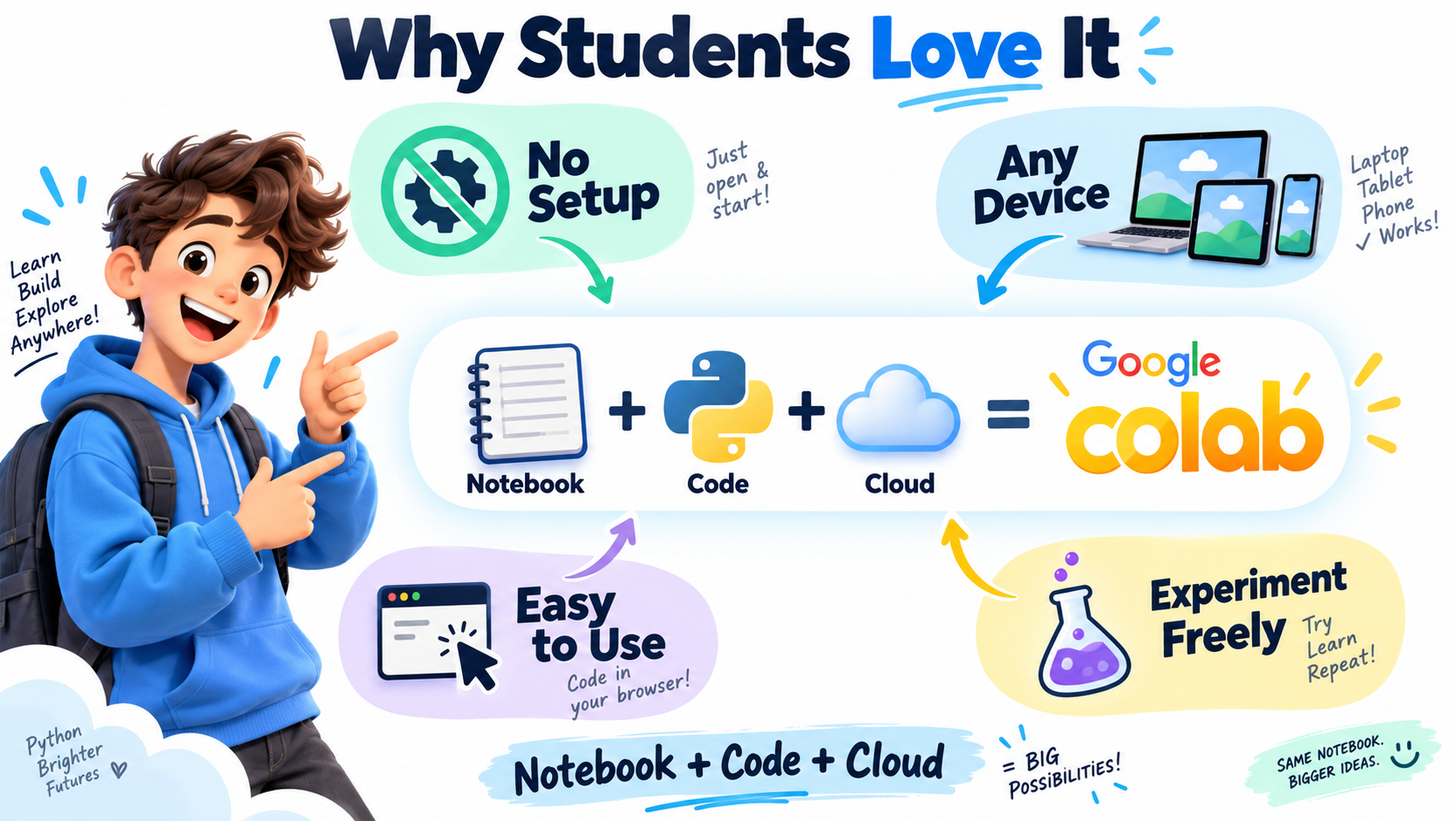
Why Students Love It
- No setup required
- Works on any device
- Easy to use
- Perfect for learning and experimenting
 Simple Way to Remember
- Google Colab =
- Notebook + Python + Cloud
- All in one place
 Google Colab


 Start coding


 You can start using Google Colab in minutes here’s how
 After accessing Google Colab, the next step is to create a notebook and start coding.


💬 Comments & Discussion
No comments yet
Be the first to share your thoughts!